What makes a venue ready for LongFi Connect
It comes down to three simple things: a little room on the internet, business grade Wi‑Fi, and access to the network so the setup can be applied.

What makes a venue compatible
Most sites already have what they need. Here are the three things LongFi Connect looks for, in plain terms.
Room on your internet
The venue has a bit of spare internet bandwidth to work with, not a connection that is already stretched thin.
Learn moreBusiness grade Wi‑Fi
An enterprise Wi‑Fi setup, meaning a controller and managed access points from a known business vendor.
Learn moreAccess to your dashboard
Admin access to the Wi‑Fi controller or dashboard, so the LongFi Connect setup can be applied.
Learn moreRoom on your internet
The venue needs some spare capacity on its internet connection. LongFi Connect rides on a small share of what is already there, so day to day traffic keeps its priority.
- A business broadband connection that is not already maxed out during busy hours.
- As a starting point, about 25 Mbps of spare download and 10 Mbps of spare upload.
- The LongFi Connect lane typically uses only a small share of the available bandwidth.
- Steady, low latency internet works best. A fast, stable line matters more than a very large one.
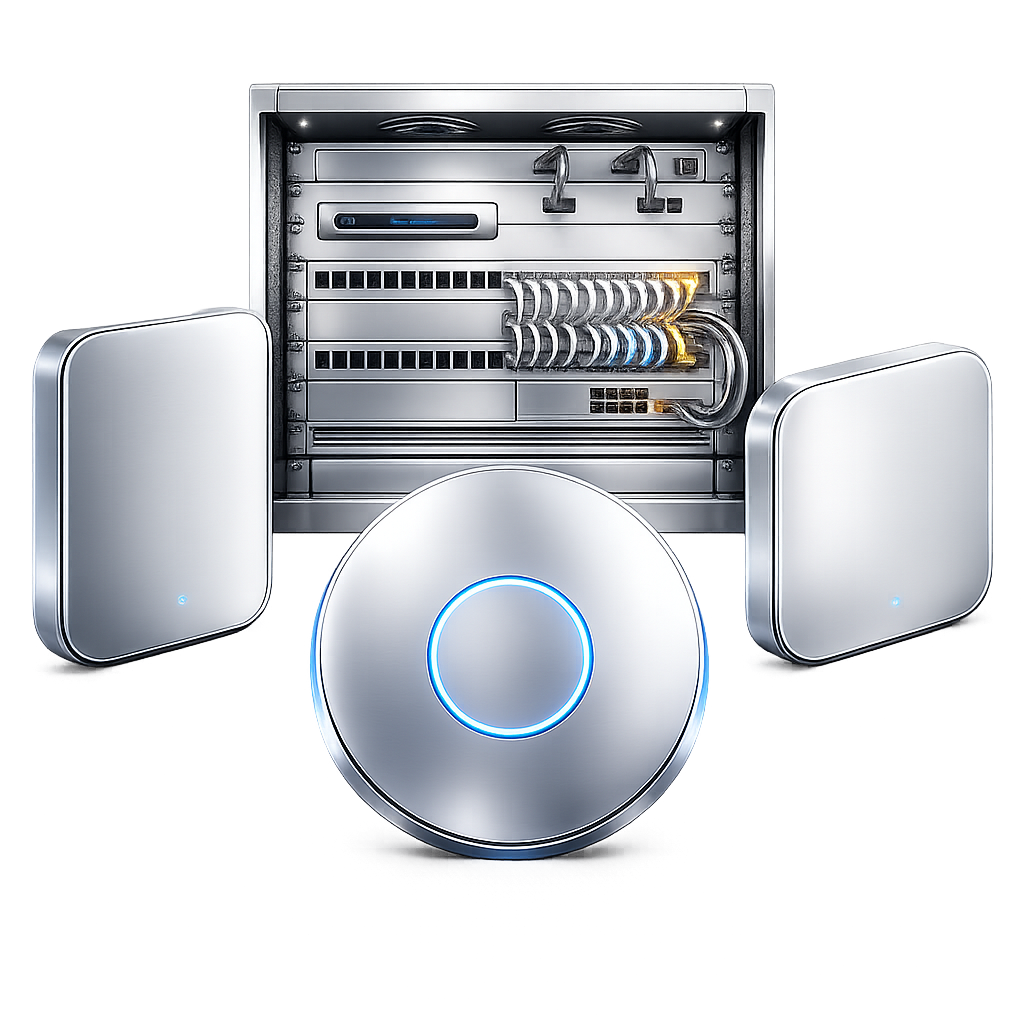
Business grade Wi‑Fi
LongFi Connect runs on enterprise Wi‑Fi: access points managed by a controller or cloud dashboard, not home or consumer gear. Many business platforms are a good fit.
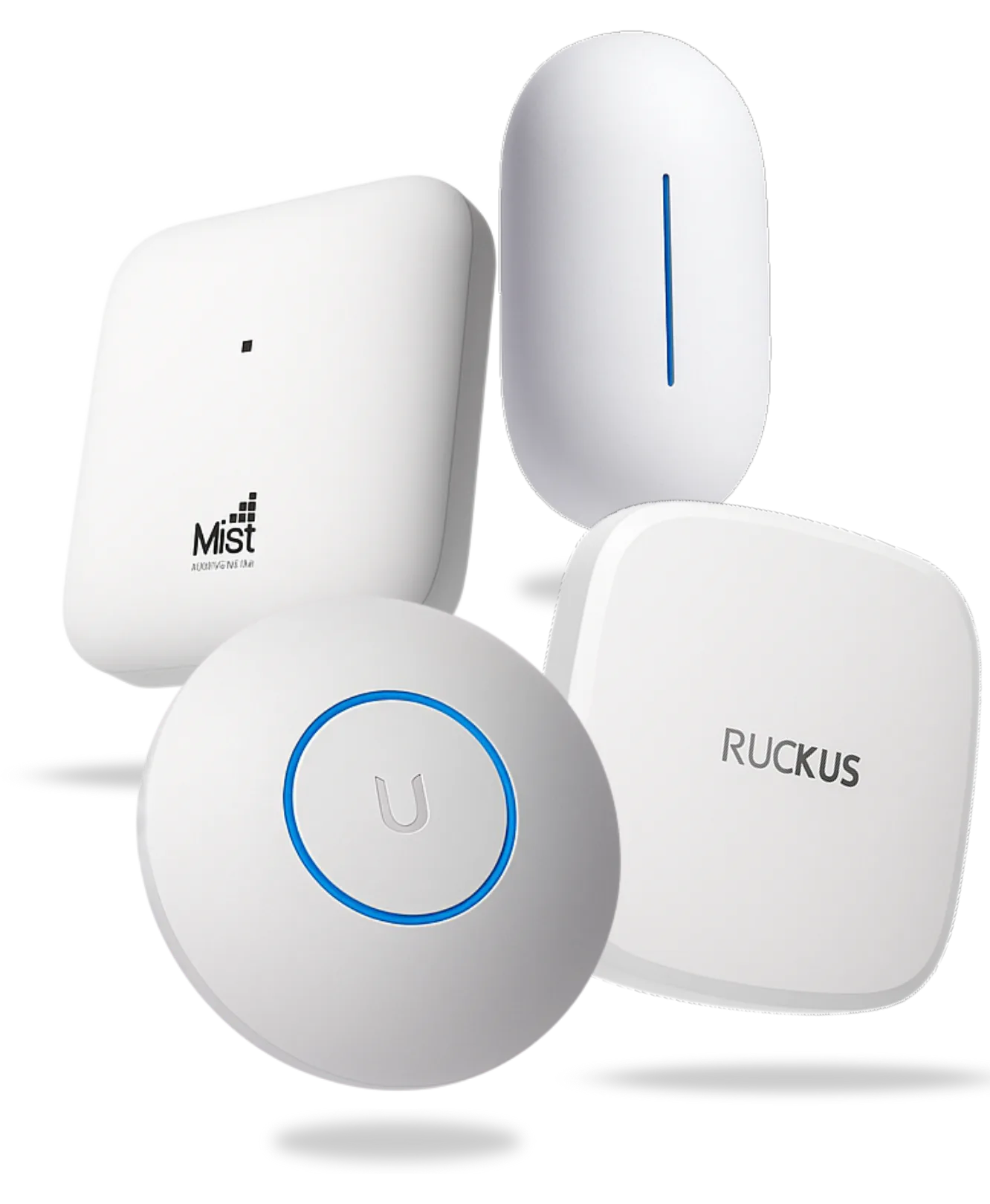
 Ubiquiti UniFi
 Ruckus
 Cisco Meraki
 Aruba (HPE)
 Juniper Mist
 Fortinet
 Cambium Networks
 Extreme Networks
 Grandstream
Other business grade platforms qualify too, and final compatibility for a specific setup is confirmed during a short site check.
Access to your dashboard
LongFi needs admin access to the Wi‑Fi controller or dashboard so the carrier approved setup can be applied to the network. The systems already running on the network stay untouched.
- Admin access to the controller or dashboard that runs the venue Wi‑Fi.
- Different vendors name it differently. Some call it a controller, others a dashboard or a control center.
- An I.T. contact or managed service provider can grant this access on the venue behalf.
- The LongFi team applies the setup and keeps the existing systems on the network.
See if your venue is a fit for LongFi Connect.
A short call or quick venue check confirms all three in a few minutes, with no cost and no commitment.
Works with business grade Wi‑Fi such as Cisco, Meraki, Aruba, or comparable, and supports major mobile carriers.