
Most connectivity upgrades begin with the assumption that new hardware is required.
New radios. New cabling. New carrier coordination. New construction timelines.
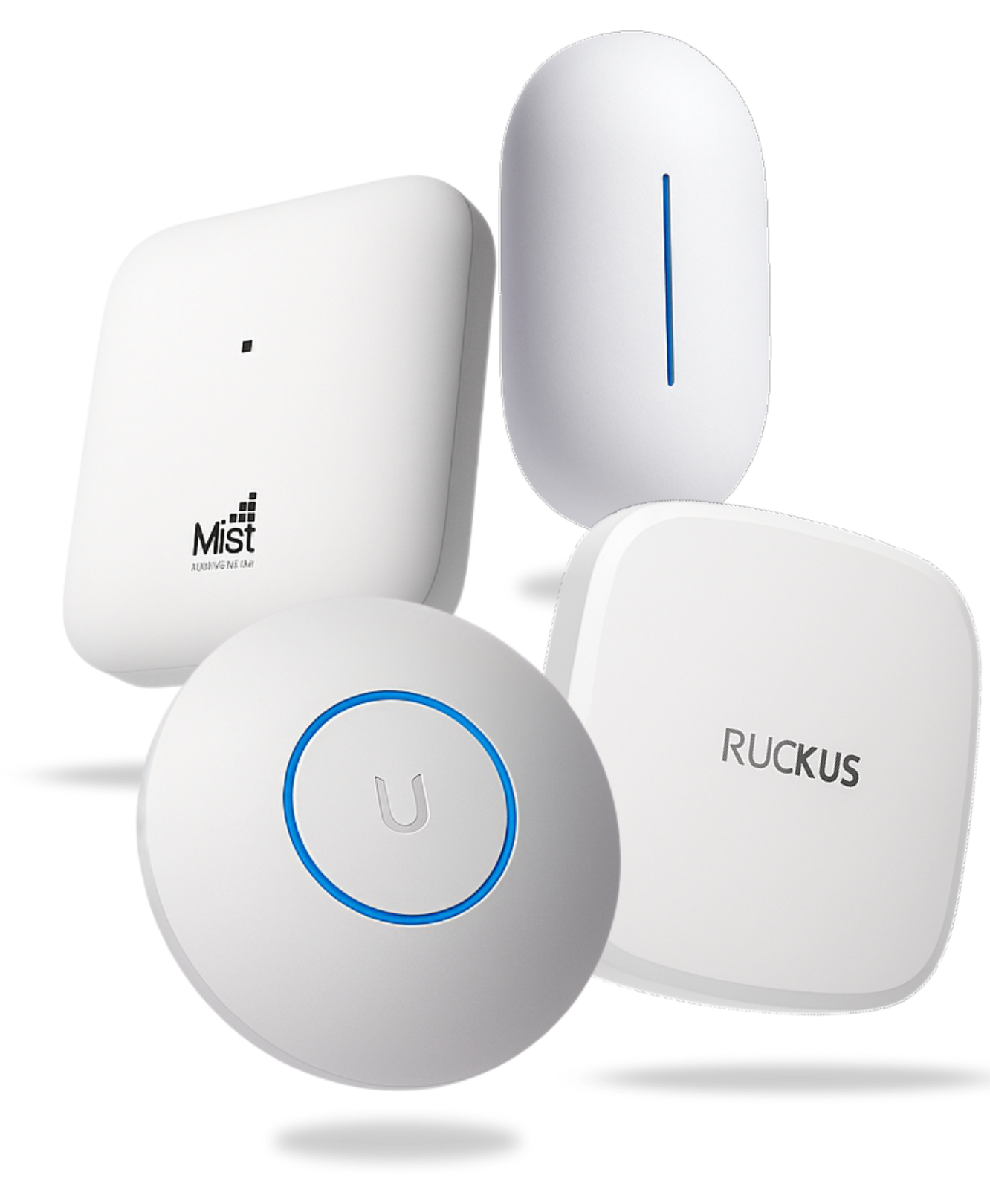
LongFi Connect leverages your existing Wi-Fi network to activate carrier-integrated connectivity without replacing infrastructure or redesigning your wireless environment.
Instead of replacing infrastructure, LongFi Connect deployment builds on your existing network.
Here is how that works in practice.
How LongFi Connect Leverages Your Existing Wi-Fi Network
LongFi Connect deployment is designed to integrate directly with enterprise wireless environments already operating across commercial properties.
Most controller-based wireless platforms already support the authentication and roaming frameworks required for activation. Compatible environments typically include:
- Ubiquiti UniFi
- Cisco Meraki
- Cambium Networks
- Aruba Networks
- Juniper Mist
- Ruckus Wireless
- Extreme Networks
- Fortinet FortiAP
Because these platforms support Passpoint authentication, deployment typically happens at the controller level rather than through hardware replacement.
Your access points remain in place. Your switching architecture remains unchanged. Your internal traffic policies continue operating normally.
LongFi Connect works alongside our fully managed process for site qualification and activation.
What Your Network Needs to Support LongFi Connect Deployment
The primary technical requirement for LongFi Connect deployment is support for Hotspot 2.0.
Passpoint allows carriers to authenticate subscriber devices automatically using SIM-based identity exchange instead of captive portals or shared passwords.
Most compatible environments include:
- Hotspot 2.0 support
- RADSEC support for encrypted RADIUS transport
- WPA2-Enterprise or WPA3-Enterprise authentication
- 802.1X identity validation
- controller-level SSID configuration
- VLAN segmentation capability
Hotspot 2.0 is the key indicator that an existing wireless environment can support activation. RADSEC ensures authentication traffic between your infrastructure and carrier systems remains securely transported using TLS.
If these features already exist in your controller, your environment is usually a strong candidate for LongFi Connect deployment.
Why Traditional Connectivity Projects Require Infrastructure Changes
Many indoor cellular improvement projects assume coverage must be extended using dedicated radio infrastructure.
Distributed antenna systems and small cell deployments often require:
- RF redesign
- new cabling installation
- ceiling construction work
- carrier approval coordination
- site-specific engineering timelines
Those approaches are appropriate for very large venues with specialized coverage requirements.
Most commercial environments already operate wireless infrastructure capable of supporting carrier-integrated connectivity through LongFi Connect deployment.
The difference is activation, not replacement.
How LongFi Connect Deployment Works Inside Your Network Controller
LongFi Connect deployment takes place primarily at the controller level rather than inside the physical access layer.
Activation includes:
- Passpoint profile configuration
- carrier authentication alignment
- certificate coordination
- segmentation policy setup
- validation testing before launch
Because these steps occur within your existing management environment, deployment does not affect endpoint devices or internal applications.
Your network continues operating normally throughout activation.
What Changes During LongFi Connect Deployment
IT teams often ask what actually changes inside their environment during activation.
In most cases:
- a Passpoint-enabled access profile is introduced
- carrier authentication becomes available
- subscriber traffic is routed through a segmented access path
- usage reporting begins after launch
These updates occur within the wireless controller rather than across switching infrastructure or firewall architecture. Business-critical services remain isolated from subscriber traffic throughout deployment.
How LongFi Connect Deployment Scales Across Multiple Locations
Organizations operating distributed portfolios often expect connectivity upgrades to require site-by-site redesign.
LongFi Connect deployment scales through controller-level configuration that can be replicated across environments without rebuilding infrastructure at each location.
This allows teams to:
- activate locations faster
- maintain consistent policy structures
- centralize oversight across properties
- expand connectivity improvements predictably
Many partners begin with a pilot location before extending deployment across their portfolio.
What MSPs Control During LongFi Connect Deployment
Managed service providers remain in control of infrastructure throughout deployment.
LongFi supports three implementation approaches:
- Controller access: LongFi engineers configure activation directly
- Guided configuration: Your team implements settings alongside LongFi engineers
- Self-implementation: Your organization deploys independently using our guides and documentation
Infrastructure ownership stays with the MSP or site operator regardless of the deployment model.
Why Using Your Existing Network Makes Activation Faster
Because LongFi Connect deployment works within infrastructure that is already installed, activation begins with qualification instead of construction planning.
There is no need for RF redesign, antenna installation, or carrier-specific hardware rollout at each site. Once compatibility is confirmed, configuration can proceed directly inside the wireless controller environment already managing your network.
This shortens timelines and allows organizations to validate deployment quickly before expanding across additional locations.
How LongFi Connect Deployment Creates Ongoing Value from Your Existing Network
Activation improves indoor connectivity without requiring new infrastructure investment.
Once LongFi Connect deployment is complete, participating carriers can securely route subscriber traffic through the authenticated access layer operating on your existing network.
That traffic generates recurring compensation shared with the venue or partner over time.
Many organizations begin with a single location and expand after confirming compatibility across their environments. Security remains consistent through our secure by design architecture.
See If Your Existing Network Supports LongFi Connect Deployment
Most enterprise wireless environments already meet the technical requirements for LongFi Connect deployment using their existing network infrastructure.
The next step is a simple qualification review to confirm compatibility and outline what activation would look like across your environment.
Start with a qualification check to see how quickly LongFi Connect deployment can begin on your existing network.